Frequently Asked Questions (FAQ)

You asked, we answered!
Here are our responses to some of the most common questions from Tap Report users.
Do I need to keep paper logbooks of fire equipment? According to NFPA 10 Section 7.2.4.2, readily accessible electronic records are acceptable as a replacement for keeping paper logbooks.
Can monthly inspection intervals be completed over varying periods of time? Sometimes, monthly intervals can be misinterpreted to mean that inspections for two consecutive months are completed within days of each other. For example, one inspection could be completed on September 30th and the next on October 1st. Although these inspections technically took place within each month, an interval of only one day elapsed in between, which does not meet the code requirements for an inspection interval of 30 days. Some equipment, like First Aid Kits, will have intervals that may vary according to how frequently occupants are coming within close proximity of the kit, and can range from weekly to monthly. The intervals on Tap Report can be modified to meet your inspection needs. Our representatives are familiar with the codes, legislation and best practices and can help you set the appropriate inspection interval if you are unsure.
Do I need internet to conduct inspections? Inspections can be conducted offline, so internet is only required upon completion to sync your reports.
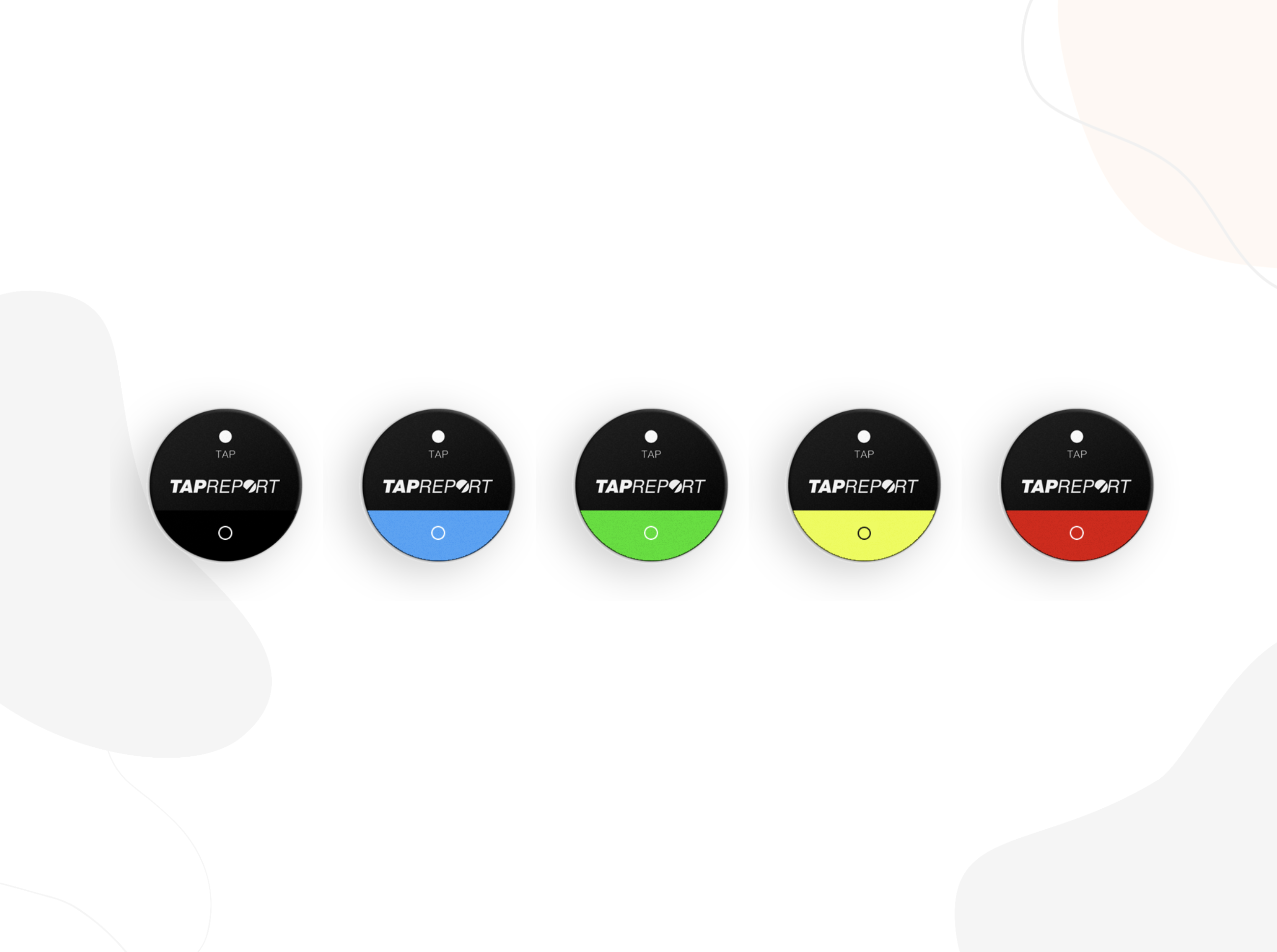
How durable are Tap Report smart tags? Tap Report NFC Smart Tags have been tested and can be used in a variety of environments, including extreme temperatures without issues. They can also affix to a variety of surfaces and will remain intact when affixed properly. Tap Report Smart Tags also work well in dusty environments, unlike barcodes.
Are Tap Report tags battery-powered? Tap Report tags use Near-Field Communication (NFC) technology and, unlike Bluetooth beacons, do not require a power source such as a battery. The power source used to read the tags comes from the phone as the tags are scanned.
Do you need to tap the tag? Your device must come within a few centimetres of an NFC tag in order to read it ‒ as if you are tapping your credit/debit card to a machine to make a contactless payment (same technology!)
Which types of smartphone/OS are compatible with Tap Report? Tap Report is compatible with most modern smartphone devices and operating systems, including iPhones/iOS and Android phones.
How long are inspection records kept for? Inspection records are securely stored and organized in a manner that meets legislative retention requirements.
For more information, contact us at customerservice@tapreport.io.
About Tap Report
Tap Report is a Canadian software company that provides a digital solution for managing workplace inspections, safety compliance, and operational reporting. It replaces manual processes, such as paper checklists and spreadsheets, with a mobile and web-based system that allows teams to complete inspections, capture data, and generate compliant reports.
Through an easy-to-use interface and automated workflows, Tap Report helps ensure that inspections are completed, deficiencies are categorized and tracked, and issues are escalated efficiently to the right people. It also offers analytics, customizable reporting, and integrations that helps organizations improve safety, compliance, and operational performance.
For more information, visit www.tapreport.io or contact us at customerservice@tapreport.io.
More articles
Technology